The CAT calculator that lives in your browser
Type three numbers before you sign and you will know what the loan really costs. Everything runs on your own machine: the extension never reads the pages you visit and never sends anything out.
- Free
- No site permissions
- Runs entirely on your device
Free, no sign-up. 14 KB.
How it works
- 1
Install it and pin the icon
Once added, open the Chrome extensions menu (the puzzle icon) and pin Kreditano. From then on it is one click away in any tab.
- 2
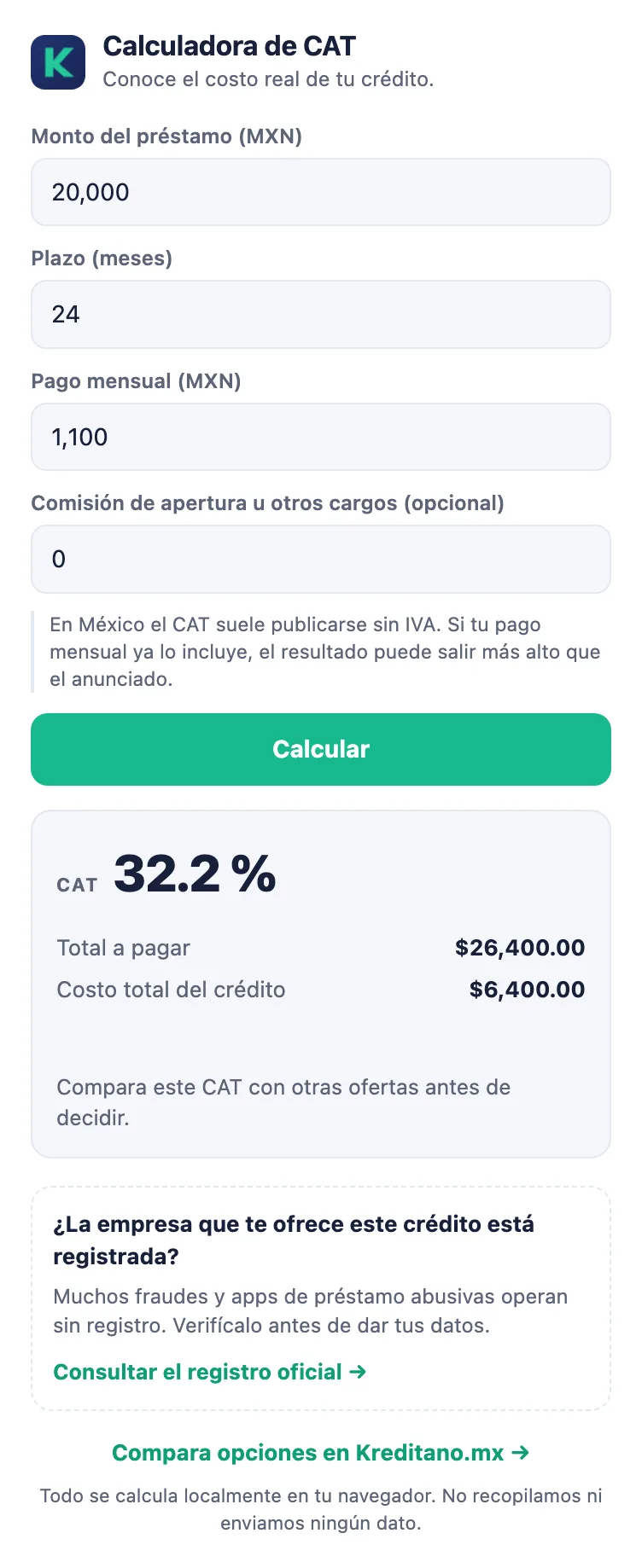
Enter the three loan figures
The amount you receive, the term in months and the monthly payment. If the offer charges an opening fee, add it in the fourth field — it counts too.
- 3
Read the result and check the lender
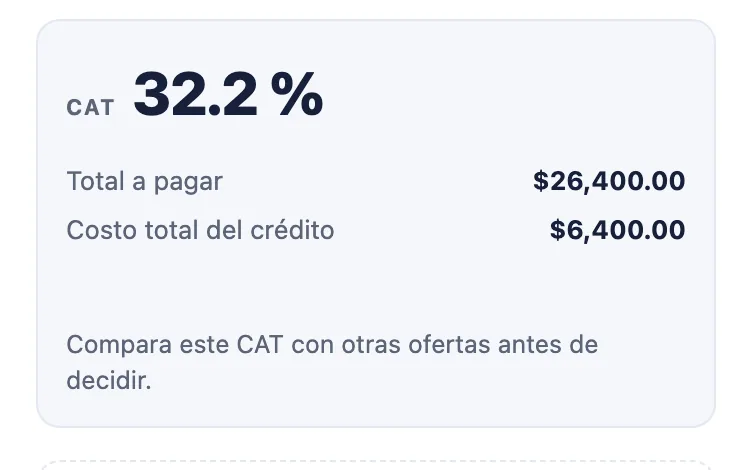
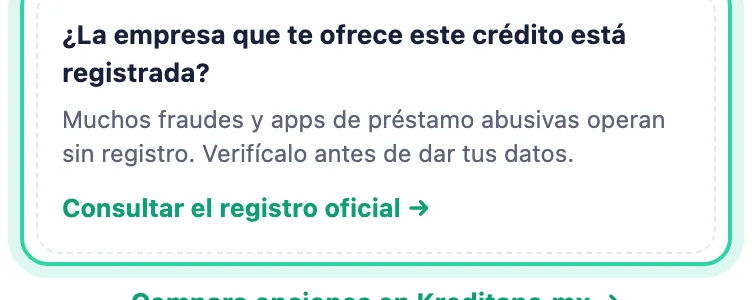
You get the CAT, the total you will pay and how much of that is pure cost. Below it, a link to CONDUSEF's official register so you can confirm the company is listed.
What it tells you
The CAT you actually pay
The ad says "from 24%", but your offer has its own fee, its own term and its own instalment. The extension takes your figures and returns the effective annual rate using the same maths the financial system uses.
A warning when the cost blows up
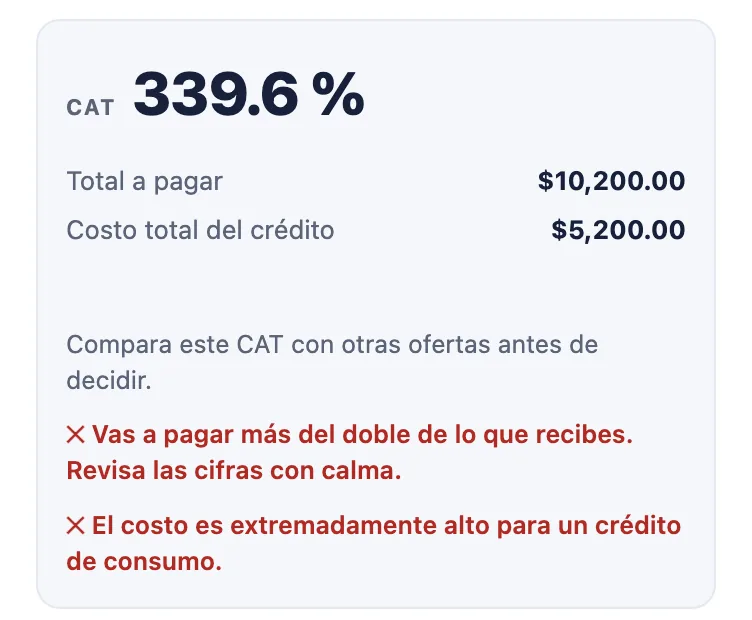
If you are about to repay more than double what you receive, or the CAT reaches three digits, a red line appears. Nothing to interpret, no finance background needed.
The opening fee counts
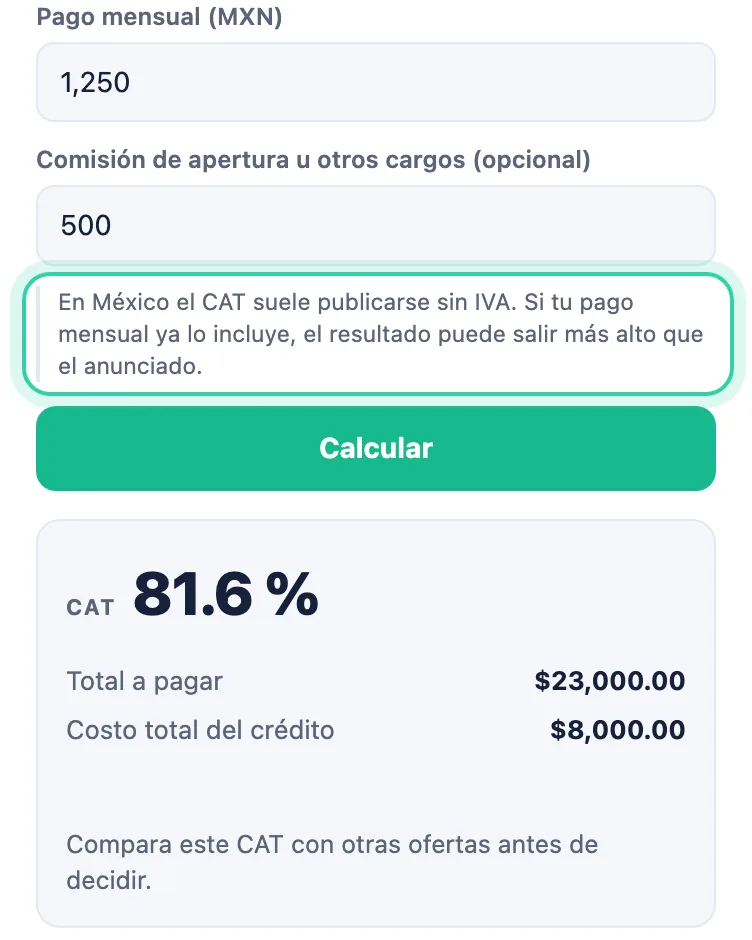
Two loans with the same instalment do not cost the same if one charges a fee. Type it in and watch the CAT move — which is exactly what the ad leaves out.
Is the lender registered?
In Mexico much of the harm comes from lending apps operating without registration. One click takes you to the CONDUSEF register so you can check before handing over your details.
What the extension does not do
- It asks for no website permissions. Installing it shows no scary warning about access to your browsing data.
- It does not read the pages you visit and has no idea which site you are on.
- It sends nothing to the internet. No server, no API call.
- It injects no ads or links into other pages.
- The only permission it uses is "storage", to remember the last figures you typed.
Why there is no colour verdict
Mexico has no general legal cap on the CAT for consumer credit. That is why the extension never claims an offer is "illegal" — it would not be true. It gives you the number, flags a cost that is out of proportion, and suggests one simple thing: compare before signing. Once an official, citable CAT range exists, the extension will show green, orange or red for where your offer falls.
Frequently asked questions
What does the extension cost?
Nothing. It is free and asks for no account. Kreditano earns commission from institutions when you compare offers on the site.
Does it work in Edge or Brave?
It is published on the Chrome Web Store. Edge, Brave and Opera all accept extensions from that store — they will offer to allow the installation when you open the page.
Does it store what I type?
The last values stay on your machine so you do not have to type them again. They never leave the browser and never reach Kreditano.
Will the CAT match the bank's figure?
It should land very close. The usual gap comes from VAT: in Mexico the CAT is almost always published without it, so if your monthly payment already includes VAT your result comes out slightly higher than advertised.
Does it work for credit cards?
It is built for fixed-instalment credit: personal, payroll, online or car loans. On a card the balance changes every month, so the figure would only be indicative.
What if the lender is not in the CONDUSEF register?
That is a good place to stop. It does not always mean fraud — some entities register with a different authority — but it is reason enough to ask questions before handing over ID or bank details.
Install it and calculate before you sign
It takes seconds and stays with you on every offer you look at.
Add to Chrome — free